Video Weaver guides
Tutorials
Learn how to use all the powerful features of Video Weaver, from basic to advanced.
33 guides/7 topics
Start EditingGetting Started
- Interface OverviewLearn your way around the Video Weaver editor.
- Managing Your MediaHow to upload, record, and organize your files.
- Project Settings OverviewConfigure your project’s canvas size, frame rate, background color, and more.
- Using Custom FontsUpload your own font files (TTF, OTF, WOFF) to use them across your project in text and caption clips.
- How to Get a Pixabay API KeyA step-by-step guide on how to find and use your free Pixabay API key to search for stock media directly within the editor.
- How to Get a Tenor API KeyA step-by-step guide to enabling the Tenor API and getting your key to search for GIFs in the editor.
Timeline Editing
- Basic Editing: Trimming & SplittingMaster the fundamentals of cutting and arranging clips.
- Editing Source Video (Advanced)Dive deep into editing a single clip with tools for trimming, color correction, speed changes, filters, and more.
- Working with LayersUnderstand how to stack, add, and manage different tracks.
Applying Effects
- Editing Images (Advanced)Apply advanced adjustments to your image files, including cropping, color correction, and artistic filters.
- Transforms & EffectsResize, rotate, apply masks, and use visual filters on your clips.
- Chroma Key (Green Screen)Remove a solid color background from your clips for amazing visual effects.
- In-Progress Animations: Move, Mask, and ZoomLearn how to apply continuous animations to create dynamic effects throughout the duration of a clip.
- Applying AnimationsAnimate properties like position and scale using built-in effects.
Working with Audio
Text & Captions
- Adding & Styling TextCreate and customize titles and text elements with a wide range of styling options, from fonts and colors to shadows and writing modes.
- Text Animation EffectsAdd motion to your text with effects like Typewriter, Glitch, and Pulse.
- Captions & SubtitlesAdd, style, and import captions, including highlighted and bilingual text.
Advanced Tools
AI Tools
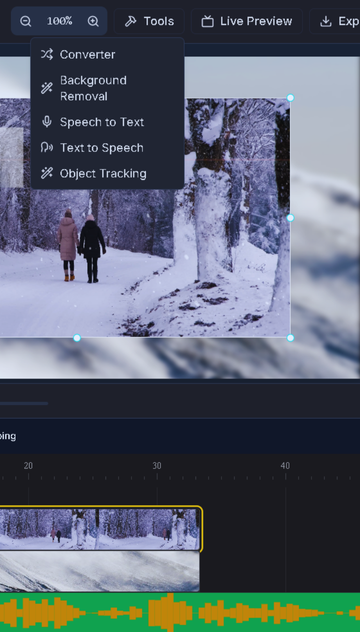 AI Tools in Video WeaverA practical guide to the speech, video, and image AI tools and when to use each one.
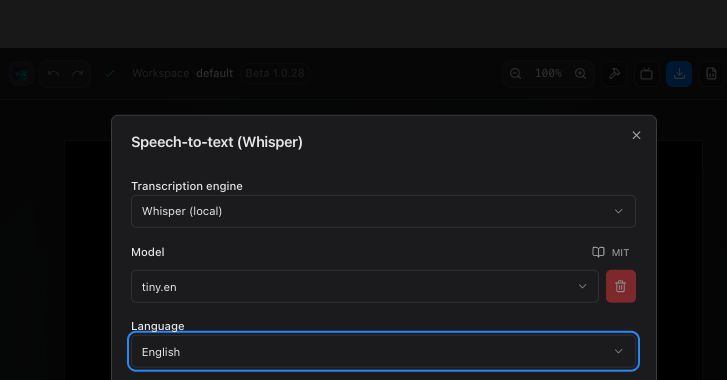 Create Captions with AI Speech-to-TextTranscribe English speech with local Whisper, review the timing, and add captions to your timeline.
- Text-to-Speech VoiceoversChoose a speech engine, language, and voice to create a previewable narration track.
- Removing Video & Image BackgroundsRemove a video or image background with AI and review the transparent result.
- Object Tracking: Follow, Replace, Crop, or AnonymizeMark a video subject, then choose tracking, image replacement, cropping, or face anonymization.
- Automatically Trim SilenceUse voice activity detection to find pauses, review them, and trim the video.
- Mosaic Faces and Exclude Selected PeopleDetect faces in a clip, tune the mosaic, and keep people in reference photos clear.
- Remove Objects and Repair Images with AICompare boxed object removal with brush-based generative fill for image repair.
- Generate On-Screen Captions from VideoUse browser AI to describe video frames, edit the drafts, and add text or SVG captions.
- Reduce Background Noise with AICompare the source and denoised audio, then save the cleaned track to your library.
- Separate Speakers and Create Audio VisualizersAnalyze speaker segments and make animated tracks you can add to the timeline.
- Improve Video Quality with AIChoose speed or detail mode, preview the 4× output, then replace or add the clip.